WiFi Landline Setup for Kids: Does It Work in Your Home?

By Pundarik Ranchhod, Kite Inclusive
Published: 13 May 2026 · 6 min read
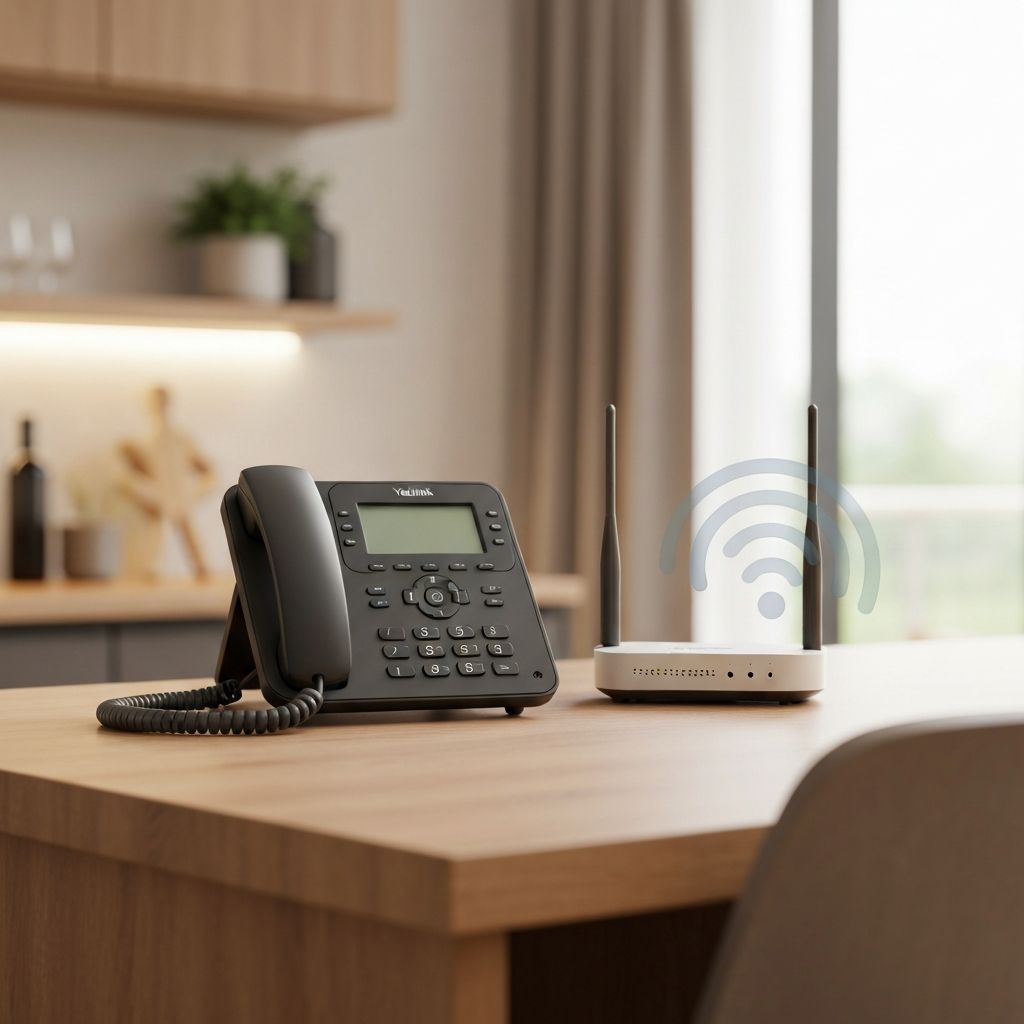
Will a WiFi landline phone actually work in your home? It depends on one thing: WiFi signal strength in the room where you want to put the phone. This guide helps you figure that out before ordering.
Many parents love the idea of a screen-free phone for their child, but worry about technical setup. The good news: if your home has working WiFi, you're probably fine. Here's what you need to know.
How WiFi landlines work
A WiFi landline—also called a VoIP phone—connects to your home broadband via WiFi, just like your laptop or tablet. Voice calls travel over your internet connection rather than traditional copper phone lines.
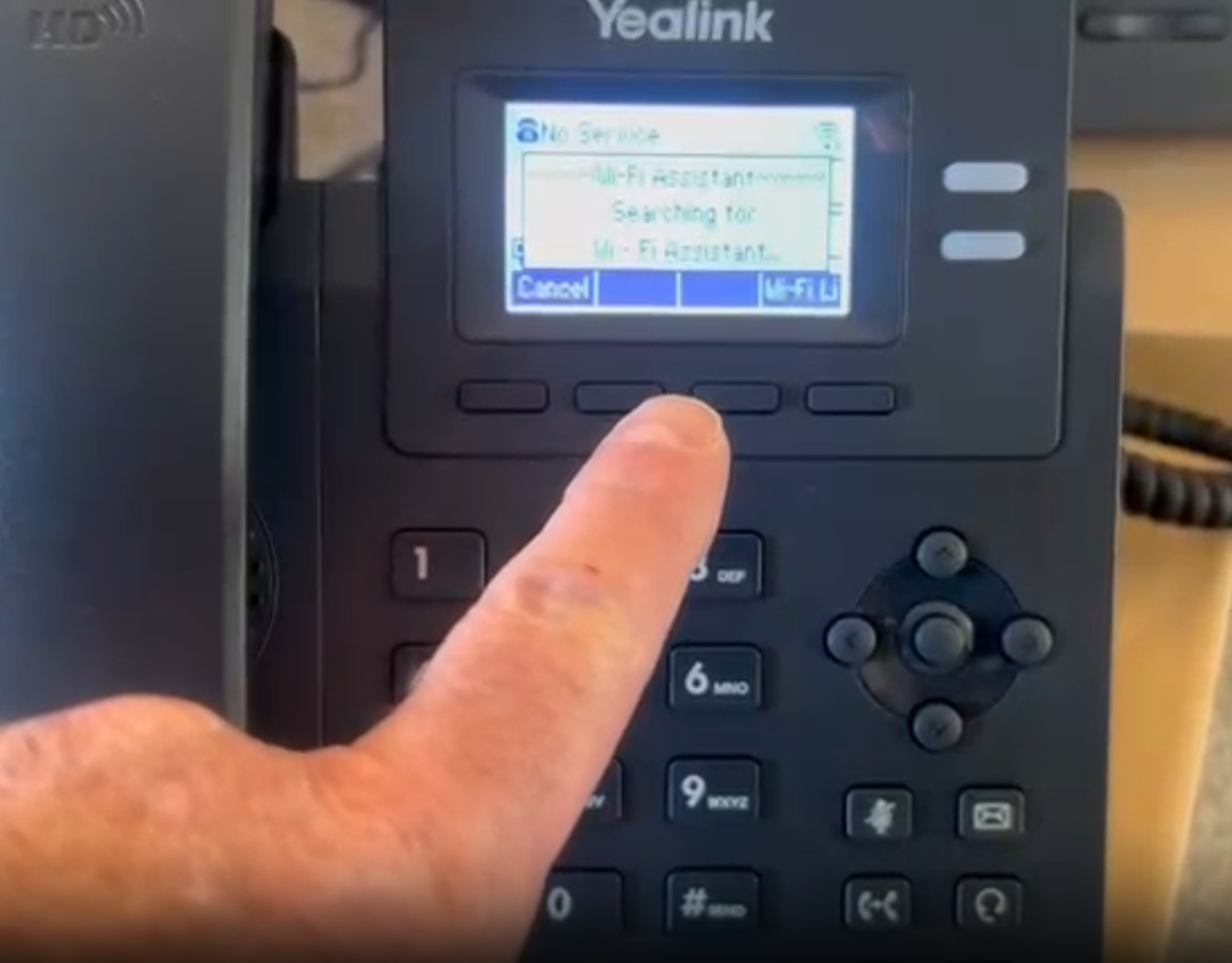
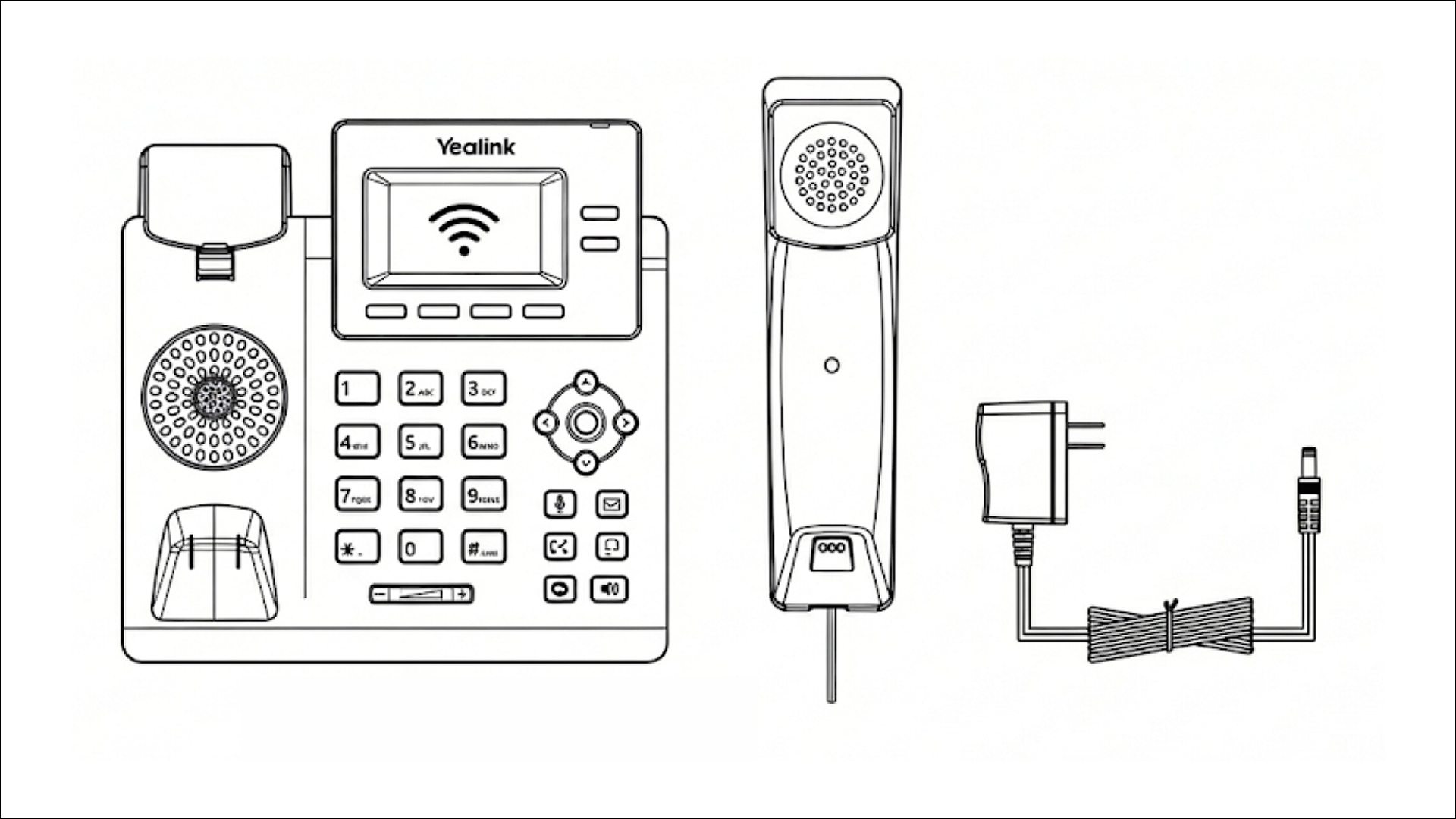
Kite Phone uses the Yealink T31W, a professional VoIP desk phone with built-in WiFi. You plug it into power, connect it to your WiFi network, and it's ready to make calls to any UK phone number.
The phone doesn't need a SIM card. It doesn't need a phone socket. It just needs to reach your WiFi router's signal.
What you actually need
Broadband: Any UK broadband connection works. You don't need fibre or superfast speeds. VoIP calls use roughly 100kbps—about 1% of a basic 10Mbps connection. If you can stream a YouTube video, you can make VoIP calls.
WiFi coverage: This is the important one. You need decent WiFi signal in the room where the phone will sit. The signal doesn't need to be perfect—2-3 bars on your phone's WiFi indicator is plenty.
A power socket: The phone plugs into a standard UK socket. No batteries to charge, no charging cradle—it's always on and ready.
“You don't need fast broadband. You need WiFi signal where the phone sits.”
What if your WiFi is patchy?
Many UK homes have rooms where WiFi signal drops. Thick walls, distance from the router, or interference from other devices can all cause dead spots.
If your child's bedroom or playroom has weak WiFi, you have two simple fixes:
Option 1: WiFi extender (£20-40)
A WiFi extender plugs into a power socket halfway between your router and the room with weak signal. It picks up your WiFi and rebroadcasts it further into your home.
You can buy a basic extender from Amazon, Argos, or Currys for £20-40. Brands like TP-Link, Netgear, and BT all work fine. Setup takes 5-10 minutes using a smartphone app.
Option 2: Mesh WiFi system (£80-150)
If your whole house has patchy WiFi, a mesh system replaces your router's WiFi with multiple nodes that work together. Systems like Google Wifi, Amazon Eero, or BT Whole Home eliminate dead spots entirely.
This is more expensive but solves WiFi problems for all your devices, not just the phone.
The ethernet alternative
If your router is in the same room where you want the phone—or within a few metres—you can skip WiFi entirely. The Yealink T31W has an ethernet port for a direct wired connection.
A 3-metre ethernet cable costs £5-10 and provides the most reliable connection possible. No WiFi signal to worry about, no interference, just rock-solid calls.
Many families put the phone in the kitchen or living room where the router already lives. In that case, ethernet is often the simplest option.
Not sure if your setup works?
Take our 30-second quiz. We'll ask about your WiFi situation and tell you exactly what to expect.
Get Your Kite PhoneQuick home check (2 minutes)
Before ordering a WiFi landline, do this quick test:
- Go to the room where you want to put the phone (kitchen, child's bedroom, playroom, etc.)
- Check your phone's WiFi bars. Can you see 2-3 bars? You're fine. Only 1 bar or keeps dropping? You may need a WiFi extender.
- Run a speed test. Open speedtest.net on your phone while standing in that room. If you see 5Mbps download or higher, you're set.
- Consider ethernet. Is your router nearby? A direct cable connection is always more reliable than WiFi.
Quick summary: Will it work in your home?
- ✓Yes if: You have WiFi signal (2+ bars) where the phone will sit, OR your router is nearby for ethernet
- ~With a fix: Your target room has weak WiFi—get a £20-40 extender
- ✗Probably not: You have no broadband at home (rural areas with no internet service)
Still not sure?
Our quick quiz asks about your home setup and tells you exactly what to expect. It takes 30 seconds.
Take the quizRelated guides
- Yealink T31W WiFi setup video tutorials—step-by-step videos for connecting the phone
- Complete guide to landlines for kids UK—everything you need to know about the Kite Phone service
- Best first phone by age—which phone option fits your child's age group
Frequently Asked Questions
Related Guides
How to Set Up a Kids VoIP Landline Phone at Home | UK Parent Guide 2026
25 Jan 2026 · 8 min read