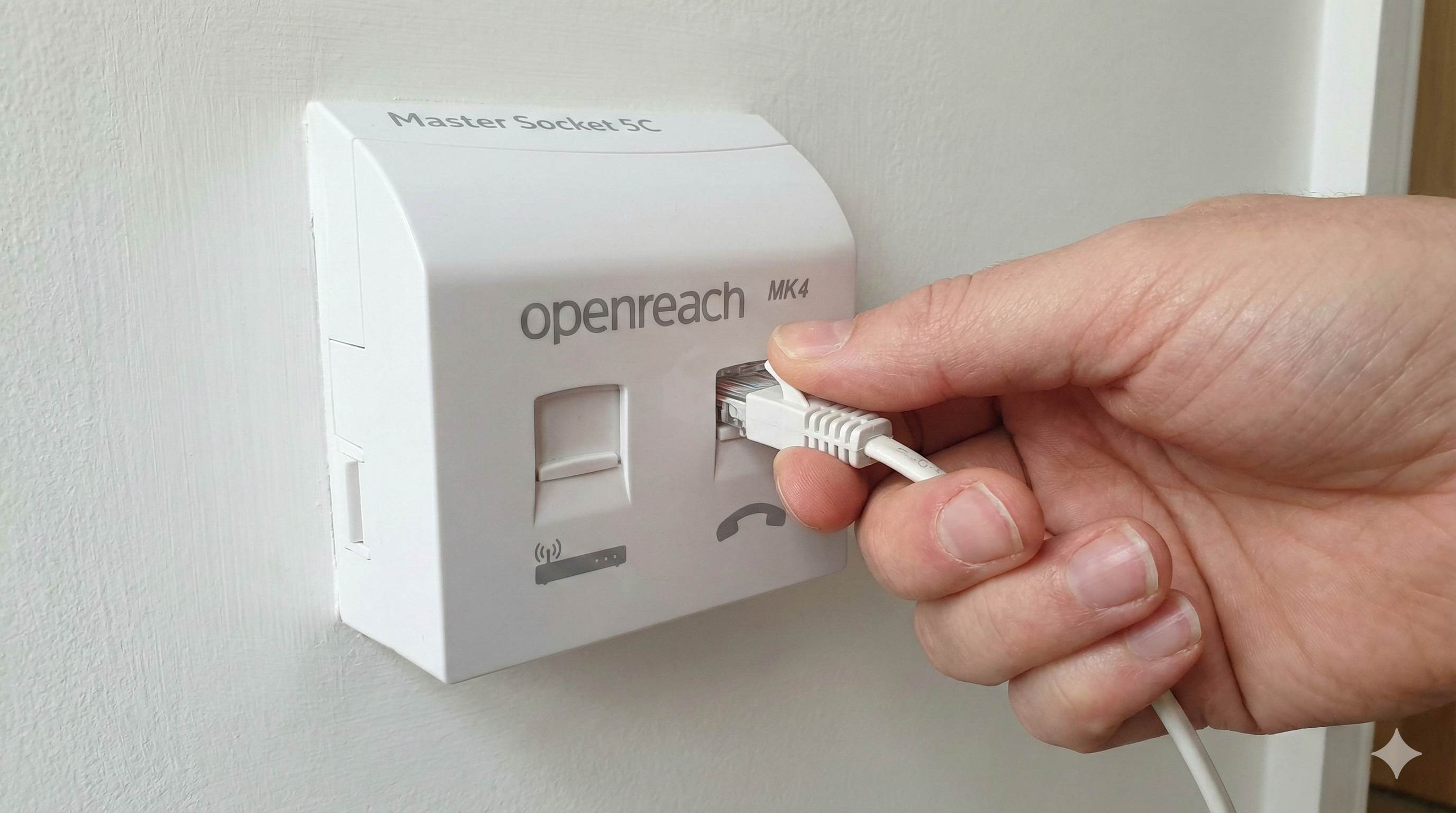
Yealink T31W VoIP Landline Phone WiFi Setup

By Mark Jones, Kite Inclusive
Published: 12 May 2026 · 5 min read
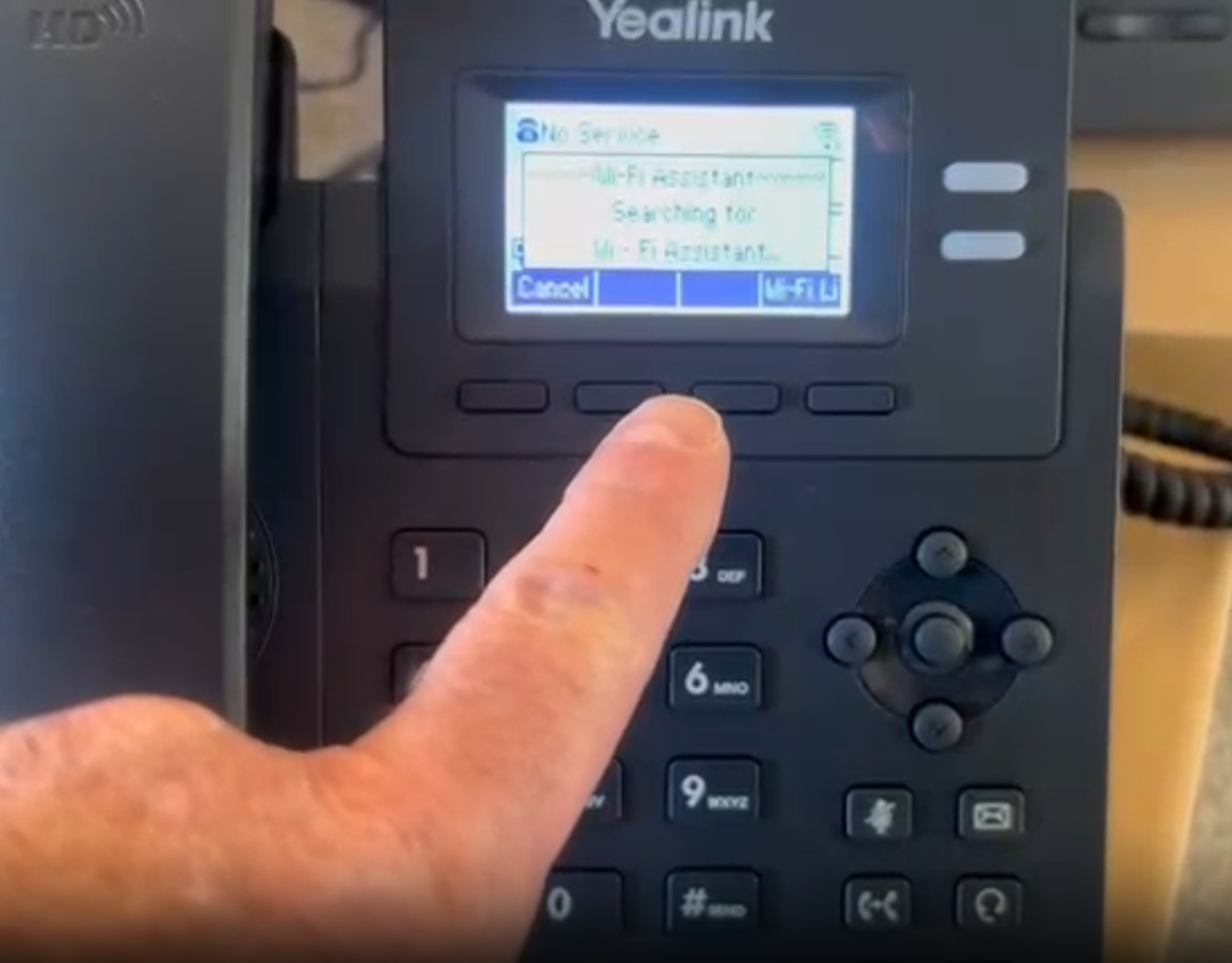
WiFi Setup
These videos walk you through connecting your Yealink T31W phone to your home WiFi network. The setup process takes just a few minutes and your phone will be ready to make calls.
WiFi Setup Part 1 of 2
This video covers the initial steps for connecting your Yealink T31W to WiFi, including accessing the WiFi settings menu and selecting your home network.
WiFi Setup Part 2 of 2
This video continues the WiFi setup process, showing you how to enter your WiFi password and confirm the connection is successful.
WiFi Setup Assistant (If You Skipped the Initial Setup)
If you missed the on-phone setup assistant when first powering on your phone, this video shows you how to manually access the WiFi settings and connect to your home network.
Conference Calling
Learn how to make conference calls with multiple participants using your Yealink T31W phone. This video demonstrates how to add additional callers to an active call.
Related Guides
How to Set Up a Kids VoIP Landline Phone at Home | UK Parent Guide 2026
25 Jan 2026 · 8 min read